Workflows
Content-rich augmented reality instructions to support maintenance tasks.
Overview
Workflows is a core feature of ServiceAR - ViewAR's industrial augmented reality platform for connected workers. It enables teams to build content-rich, spatial instructions on top of existing SOPs and work orders, guiding technicians through changeovers, inspections, and maintenance tasks directly on the factory floor.
Problem
Industrial maintenance teams relied on paper manuals and static PDFs to execute complex, multi-step procedures. Workers struggled to locate the right equipment in large facilities, error rates were high, and tribal knowledge was lost when experienced technicians left. The disconnect between digital documentation and the physical environment slowed down operations and increased downtime.
Process
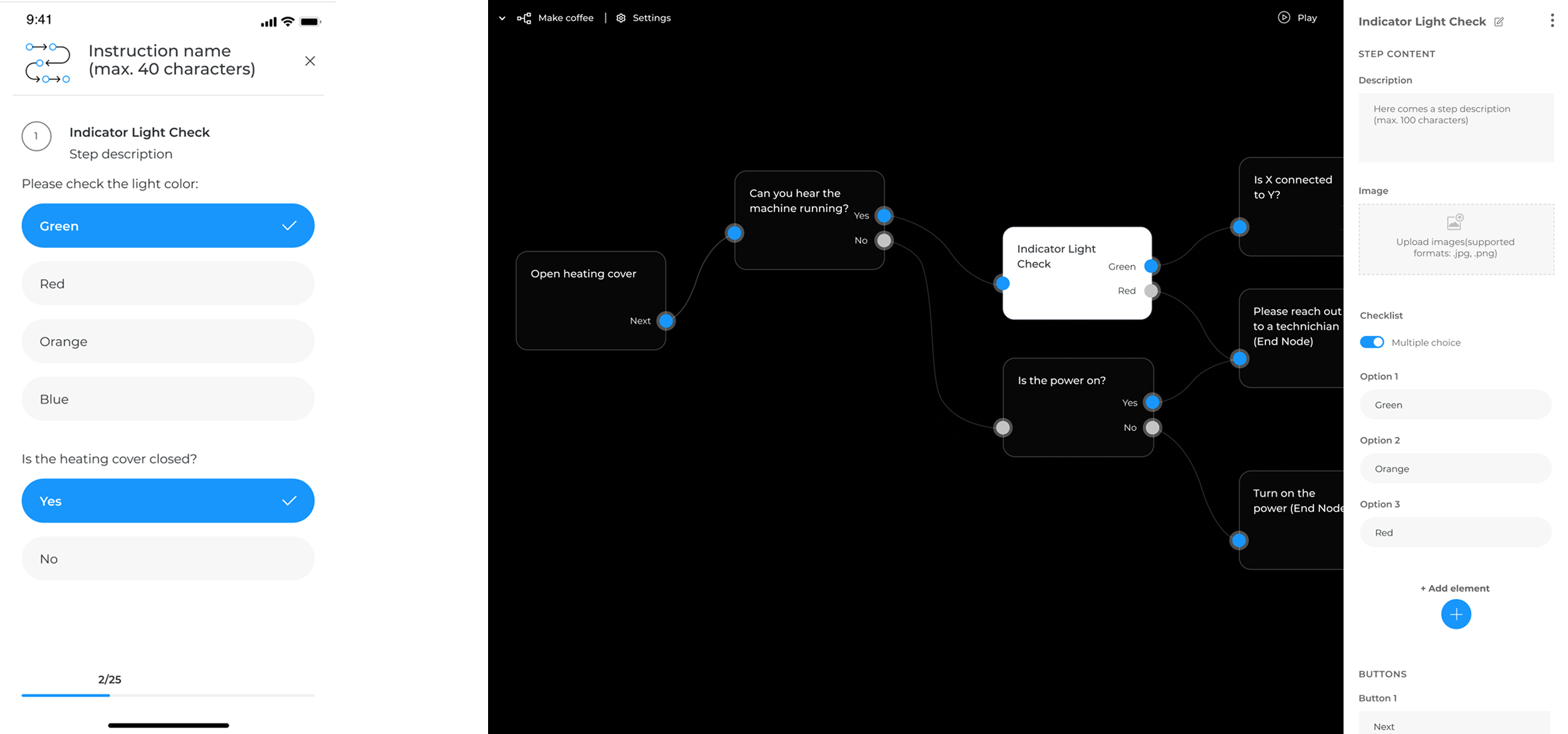
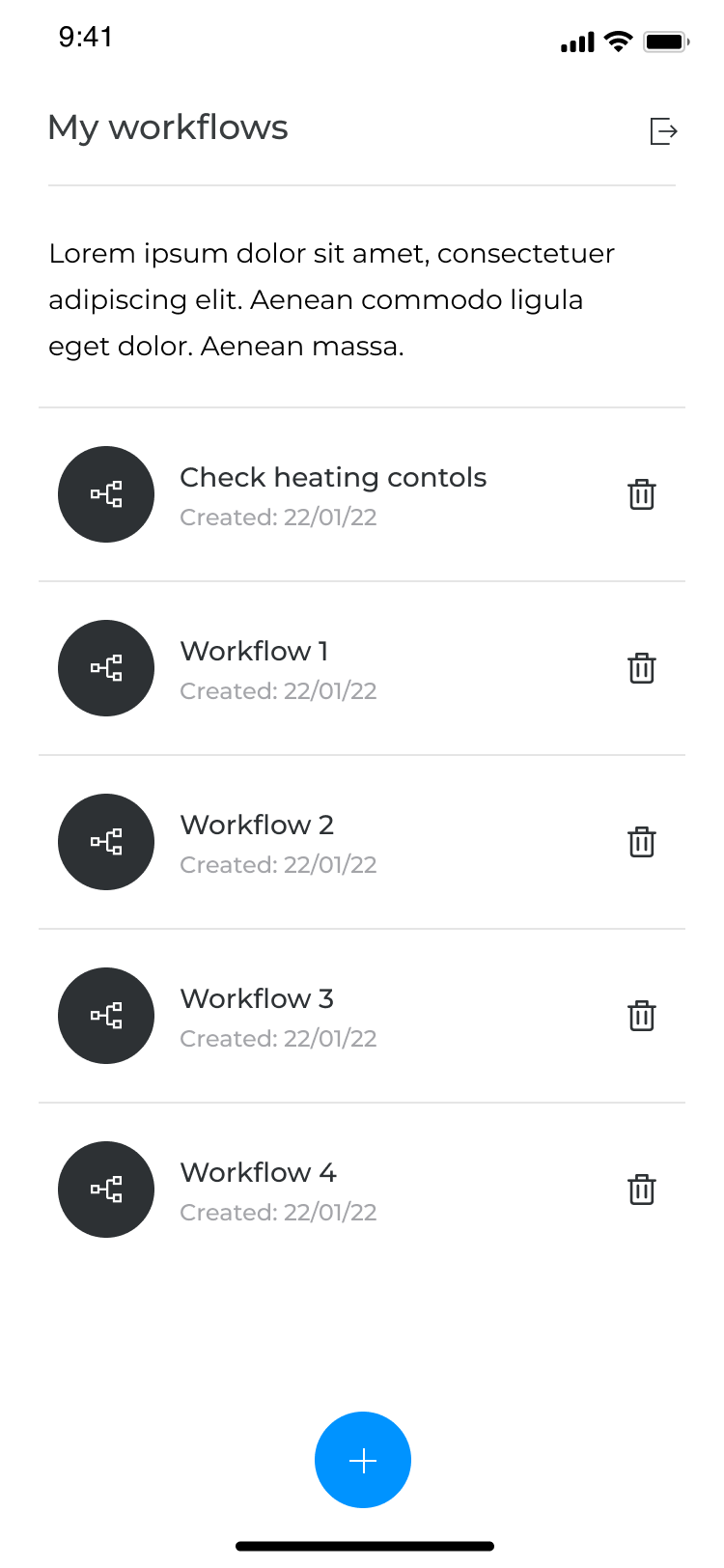
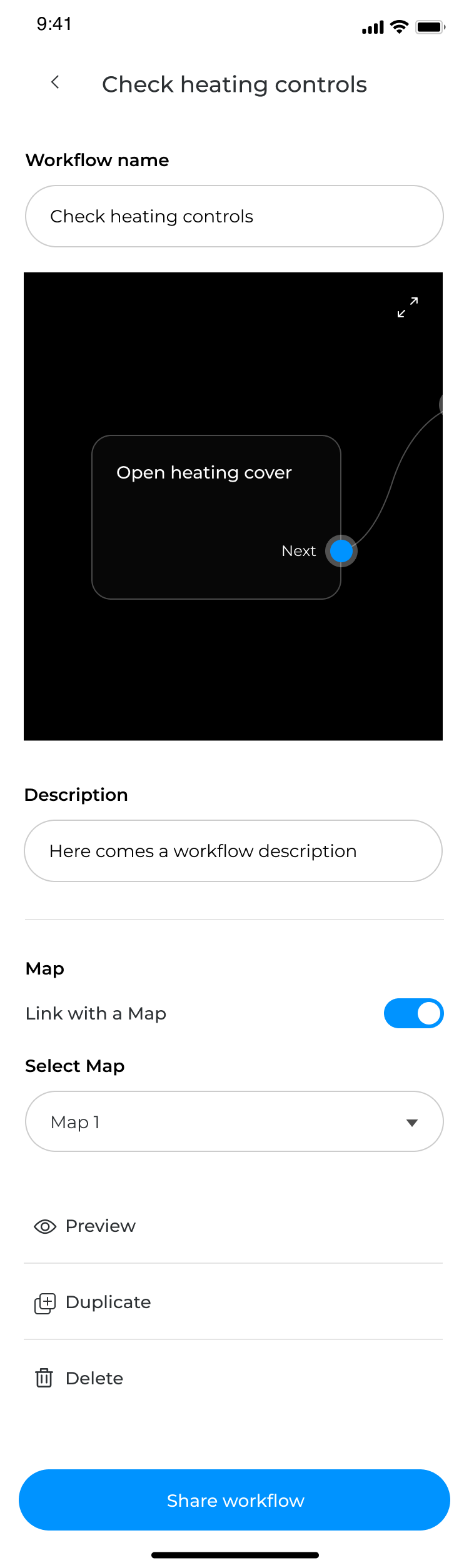
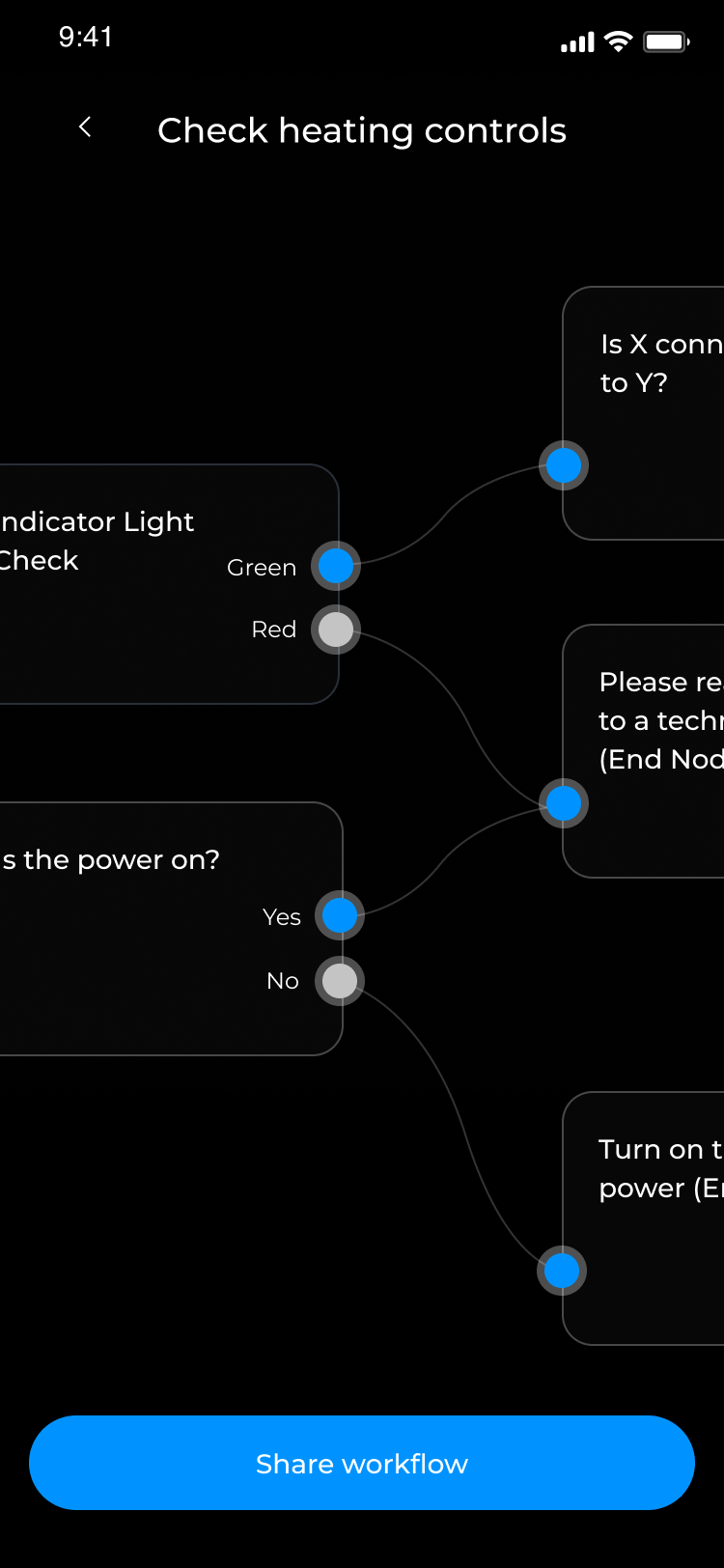
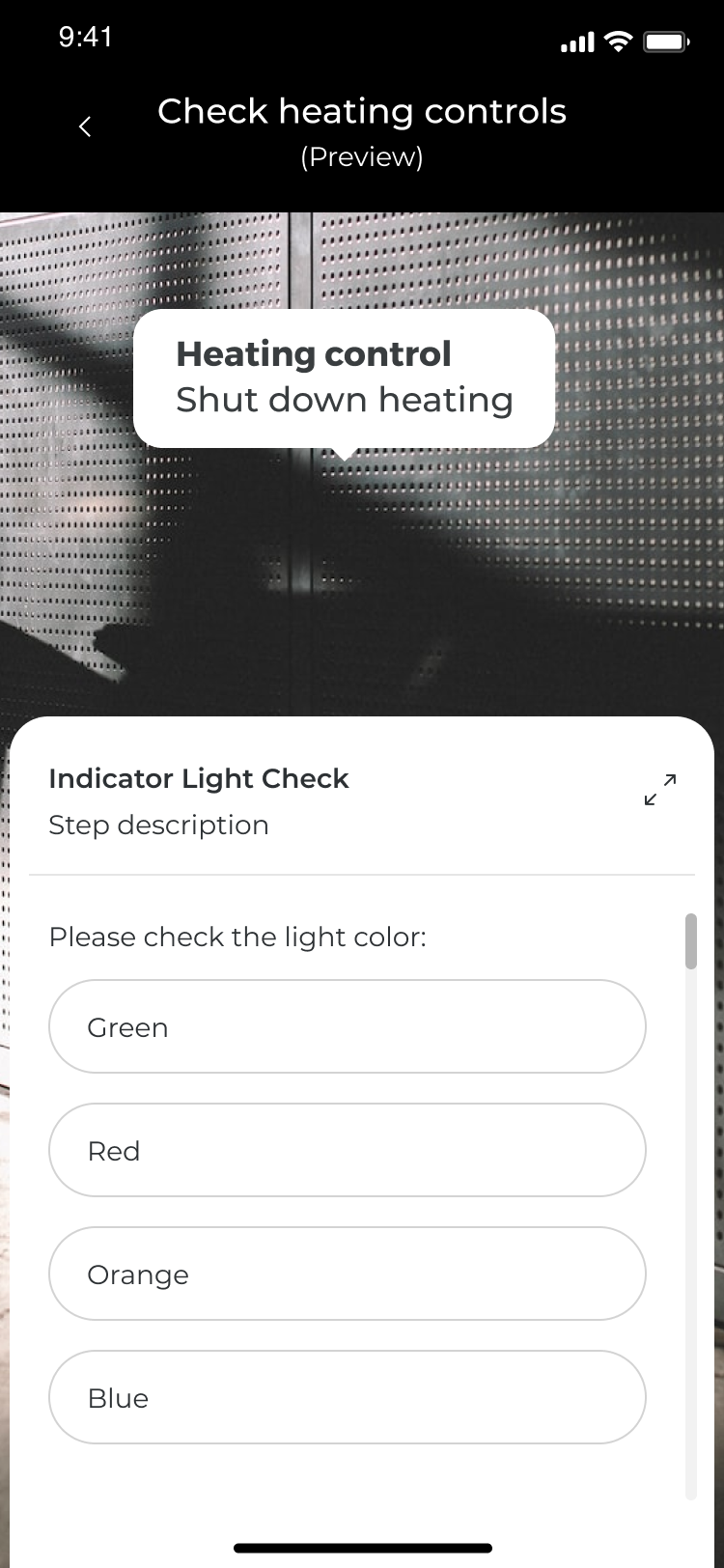
Key pain points for workers surfaced around spatial orientation within large plants, step sequencing under time pressure, and the inability to capture issues in context. I iterated through multiple rounds of prototyping and usability testing, progressively refining the AR interaction patterns to better fit real environments. Developing user flows for mobile users, I considered both admin (creating workflows in a developer portal) and end-user (seeing instructions/checklists in the app). To save time in implementation, I did research to find free libraries developers could use for flowchart creation and after carefully reviewing more than 20 tools proving similar experience and their features, I suggested 3 options which fulfilled our needs. Criteria: each step has an input & an output, their number should be configurable, “rich content" for each step should be possible, the user should be able to create a step by clicking on the canvas, steps should be editable, a user should be able to connect steps on canvas. After we chose the library we wanted to work with, I moved to explore the overall look of the app.
Solution
The design brings together several interconnected capabilities into one seamless experience: step-by-step spatial instructions anchored to physical equipment, centimetre-accurate indoor navigation to guide workers to the right location, and incident tagging that lets anyone document issues on the spot with photos, notes, and a shared deep link. Workflows connect to existing ERP systems and can be dynamically generated from triggers in the client's tech stack - turning what used to be a static document into a living, context-aware guide.

Results
The product shipped as part of ServiceAR and is now used by enterprise clients across energy, pharma, and manufacturing - including one of Europe's largest energy providers, who integrated Workflows with a digital twin of their facility. The feature reduced unplanned downtime, improved incident response times, and enabled new technicians to execute complex procedures independently from their first day on the floor.