Request Status Timeline
What you get from an Ignite engagement: a working prototype and a spec your team can build from without guessing. This one turns audit finding F-01 into tickets.
This is a sample. Acme Approvals is a fictional product, and all names, dates and numbers are illustrative.
The product
Acme Approvals is a purchase request and approval tool for mid-size companies. Employees request what they need, managers and finance approve, and a purchase order goes out to the supplier.
Problem
Requesters can't see where a request is stuck, so they chase approvers and open support tickets.
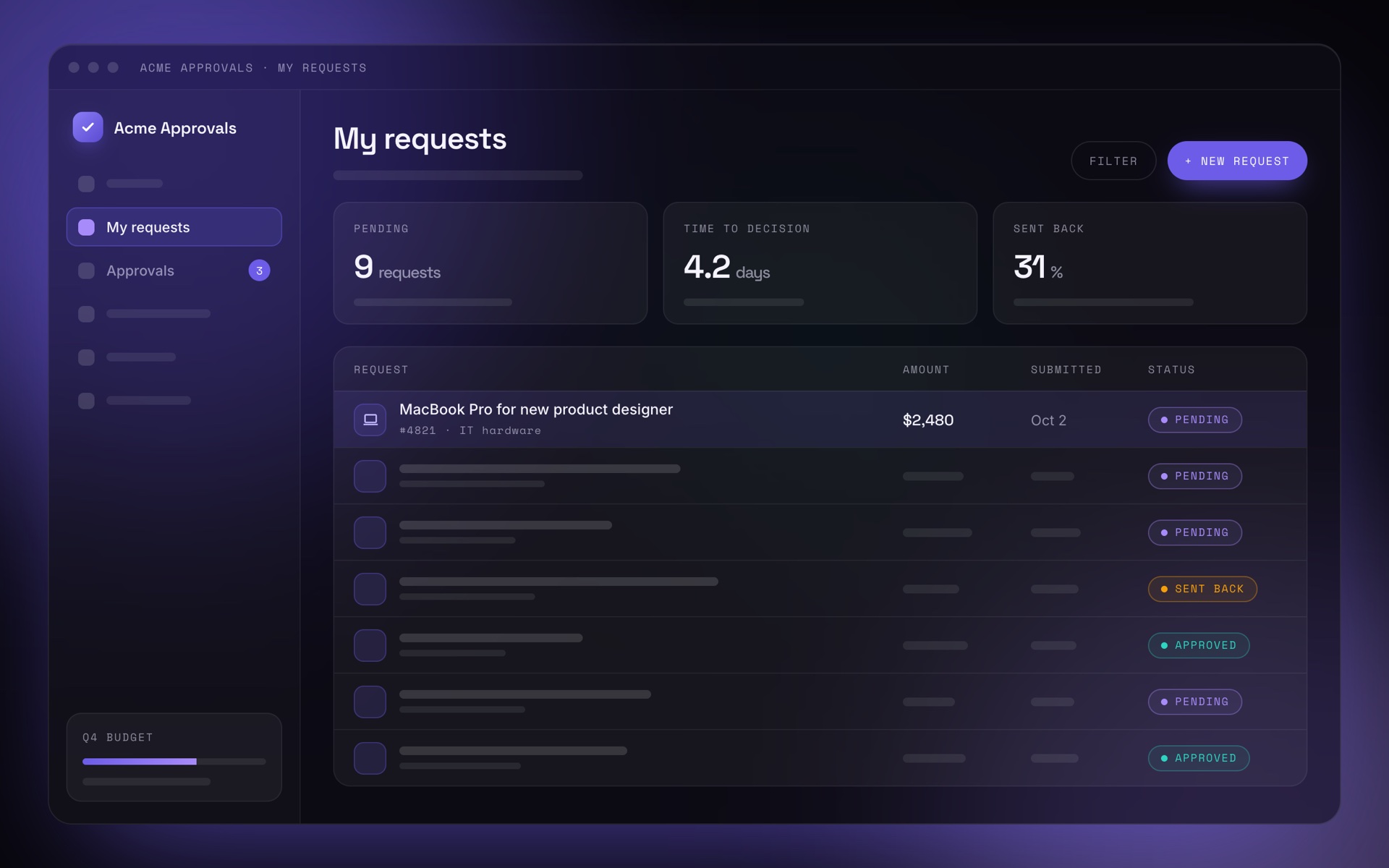
Once a request is submitted, the product shows "Pending" and nothing else. The status timeline shows every step, who is responsible, how long it has been waiting, and what the requester can do about it.
| Success metric | Today | Target |
|---|---|---|
| Status questions in support | 38% of tickets | Under 15% within 2 months |
| Time to find the current approver | 2–3 minutes, searching email | Under 10 seconds in testing |
| Requests overdue by 3+ days | 22% | Under 10% |
- Status timeline on the request page
- Overdue state and reminders
- Delegates for approvers who are away
- Email notification redesign (separate spec)
- Mobile app (phase 2)
- Approver dashboard
Working prototype
Click through the states. The prototype runs in the browser, so it's ready for user testing with your customers.
User flow
What happens from the moment a requester opens a submitted request.
States
Every state the timeline can be in, including the ones that are easy to forget.
| State | The requester sees | Primary action |
|---|---|---|
| In review | Current step highlighted, approver's name, time in step, expected date | None |
| Overdue | The step is marked overdue, with how long it's over target | Send reminder |
| Approver away | The delegate's name and until when they're covering | None |
| Sent back | The approver's reason and the missing items, above the timeline | Edit and resubmit |
| Approved | All steps done and the purchase order number | Download PO |
| Rejected | Who rejected it and why | Duplicate as new request |
| Loading / error | A skeleton timeline; on error, "Status unavailable" with retry | Retry |
Edge cases
- Approver is out of office. The step shows the delegate and until when they're covering.
- Approver left the company. The step moves to their manager and is marked "Reassigned".
- Parallel approvals, for example finance and IT. Both appear in one step, with "1 of 2 approved".
- Request edited after submitting. The timeline restarts at the changed step; earlier approvals are marked "Reset".
- Amount crosses a new threshold. An extra approval step appears, with the reason.
- Approver names are hidden by the company's privacy setting. The step shows the role instead of the name.
Acceptance criteria
One ticket per criterion, so QA can test exactly what was specified.
Given a request in review, when the requester opens it, then the timeline shows the current step, the approver's name and the time in step.
Given a step that has waited longer than its target, when the requester opens the request, then the step is marked "Overdue" and "Send reminder" is enabled.
Given a reminder was sent less than 24 hours ago, then "Send reminder" is disabled and shows when the next reminder is possible.
Given the approver is out of office, then the step shows the delegate's name and "covering until" with the end date.
Given a request was sent back, then the reason and the missing items appear above the timeline, and "Edit and resubmit" is the primary action.
Decisions and open questions
| Question | Owner | Status |
|---|---|---|
| Do approvers see how many reminders were sent? | Product | Decided: show the count, not who sent them |
| Default target per step: 2 business days? | Finance ops | Open, decide at sprint planning |
| Do reminders also go to Slack? | Engineering | Not in v1 |
Handoff
The spec is delivered as Markdown in your repository or as a Confluence page, with a Jira ticket for each acceptance criterion. It's written so that engineers, QA and AI coding agents all work from the same source, and I walk your team through it before the first sprint.
Bring a finding, a feature or a messy set of requirements. I'll turn it into something your team can test and build.
Send inquiry